Delivery day and night
Each payment is handled as soon as its SMS arrives, with no one at the phone.
AutoV is online software for mobile data resellers. Your customer pays with EVCPlus, eDahab or Jeeb. AutoV reads the payment, picks the right bundle and sends it by USSD from your own SIM. You do not dial anything.
The mobile money SMS lands on your SIM.
Amount, sender and receiver number are taken from the message.
The receiver's network decides the bundle and the SIM that sends it.
Your phone dials the bundle by USSD and the result is saved.
 Hormuud
 Somtel
 Somnet
 Amtel
Amtel Somlink
Send your company details. We review the application and open your account.
Install the AutoV apps on an Android phone and add your SIMs and PINs.
Set the bundles and prices you sell on each network.
Share your payment numbers. Each paid order is delivered automatically.
Each payment is handled as soon as its SMS arrives, with no one at the phone.
Connect several phones with up to four SIMs each. Each bundle goes out on the receiver's network.
Queue a bundle for a later time. AutoV releases it when it is due.
See transactions, incoming SMS, customers and bundle requests in the dashboard.
Give each staff member access to only the pages they need.
Send notifications to customers, show promotions and run an affiliate program.
Yooltech runs AutoV for you. Sign in from a browser on any computer, or use the free AutoV app on Android and iPhone.
AutoV runs on Yooltech servers. You only connect the phones that receive payments and send bundles.
New features and fixes reach every account automatically.
Each company sees only its own customers, bundles and transactions.
The same account works in the browser and in the apps.
We build an app with your business name, logo and colours. Your customers use it to buy data from you. Yooltech publishes it on Google Play and the App Store.
Your name, logo and colours in the app and in the store listing.
A customer picks a bundle, pays with mobile money and gets the data automatically.
We prepare the store listing and publish the app on Android and iPhone.
Every order from the app appears in your AutoV dashboard.

Example
A customer app built with AutoV, live on Android and iPhone.
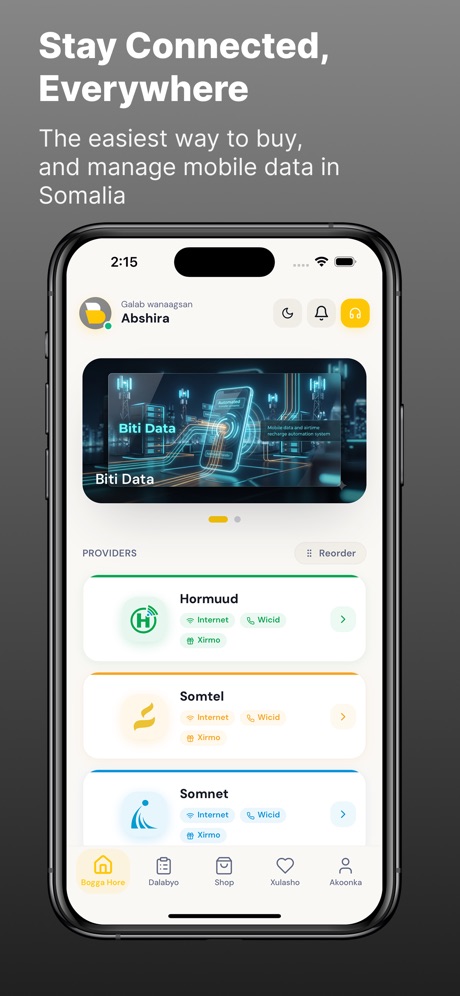
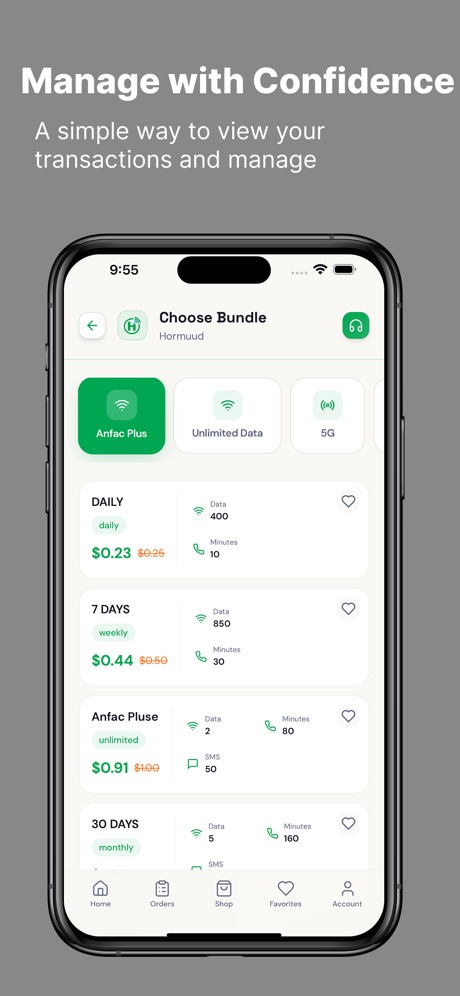
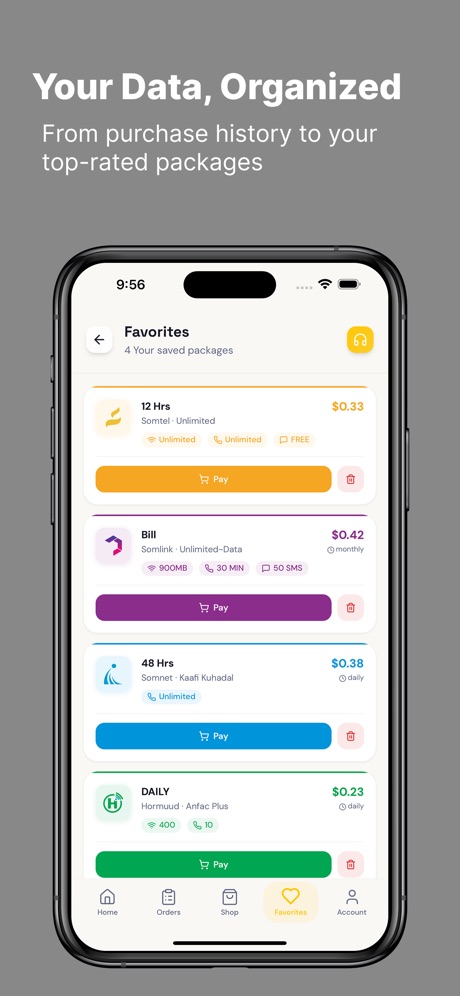
A one-time setup fee, then one subscription for your business. Every plan includes every feature and the Android and iPhone apps.
Contact us
One-time. Talk to Yooltech to agree the setup for your business.
$10 / month
Billed every month.
$27 / 3 months
Save $3 compared with paying monthly.
$55 / 6 months
Save $5 compared with paying monthly.
$100 / year
Save $20 compared with paying monthly.
Businesses and agents that sell mobile data bundles in Somalia and want each paid order delivered without manual dialling.
An Android phone with your SIMs and the AutoV apps, and a mobile money account to receive payments. AutoV runs the matching on our servers.
You pay a one-time setup fee that you agree with Yooltech, then a monthly or yearly subscription. See the plans.
The transaction shows as failed in your dashboard with the network's reply, so you can check it and send it again.
We use your data only to run the service. Read the Privacy Policy for details.
Follow the steps on the account deletion page.